Insight into Virtual-O running model #1
Insight into Virtual-O running model
Today I will tell you something about running speed modifiers or penalties that are used in Virtual-O running model
Map speed
This is max speed determined by map symbol you are on. In the background sophisticated system is working that enables merging and/or overriding of different symbol speeds to get final value.
As more than one symbol can be active on your position. (you can define layer depth, speed and operation for every symbol)
Map looking time penalty
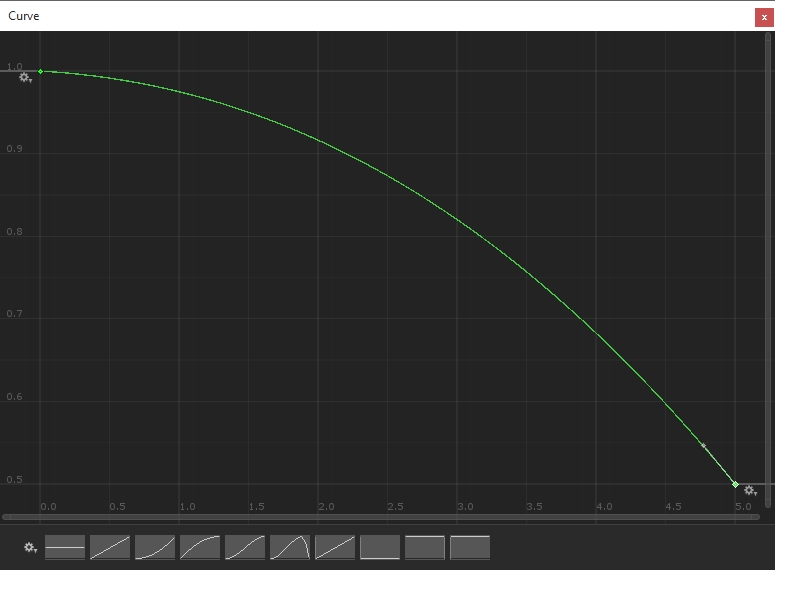
You slow down as you are continueosly looking into map. This relation is expressed in customizable curve. (and similar curve is used for following modifiers)
Map slope penalty
Penalty for looking into map while going downhill or uphill. For example this penalty is not applied when going uphill. But you are penalized for downhill as it’s not easy to look into map while running down…
Slope penalty
Runing penalty based on forward slope of terrain. For example 10 degree downhill will make you faster. But too steep angle can make you slower etc.
Steepness penalty
Same as slope penalty but it takes side slope (steepness) into account. Simply vector perpendicular to your direction vector and going to left or right. So if you are contouring. Steep terrain will slow you down, although you are not going uphill.